Kids mode
Kids mode turns AudioSilo into something a child can use on their own: their stories as big covers, a big simple player, and a bedtime. There's no search, no settings, no downloads page and nothing else to wander into. It works in the iPhone and Android apps and in the web player.
Setting it up
Kids mode belongs to a profile: a person on this device. To set one up:
- Give the child an account on your server, and limit what it can see to their books: in the admin console, a share with just the children's library or folders, given to that account (see Users and invites). What the account can open is what kids mode can show: the app never shows a child more than their account is allowed.
- Add the child to the device: Add someone on Who's listening?, signing in with the child's account. The app then switches to the child.
- Switch back to yourself (on Who's listening?, or Switch on your card in Settings > Household and sharing), then turn on Kids mode for the child in Settings > Household and sharing, under their name, and pick:
- Library: the one library kids mode shows, when the child's account can see more than one. Left alone, it's the first one the account lists.
- Bedtime: when bedtime starts, 7:30 PM unless you change it (times are written the way the app's language writes them: 7:30 PM in English, 19:30 in the other languages).
If you turn kids mode on while the child is the one listening, the app goes straight into kids mode. To pick the library and bedtime then, hold Grown-ups, choose yourself and open Settings > Household and sharing.
Kids mode can't be turned on for the last grown-up on the device: someone has to be able to leave it.
It's a good idea to give the grown-ups' profiles a PIN: leaving kids mode goes through Who's listening?, and without a PIN a child can choose a grown-up there.
What the child sees
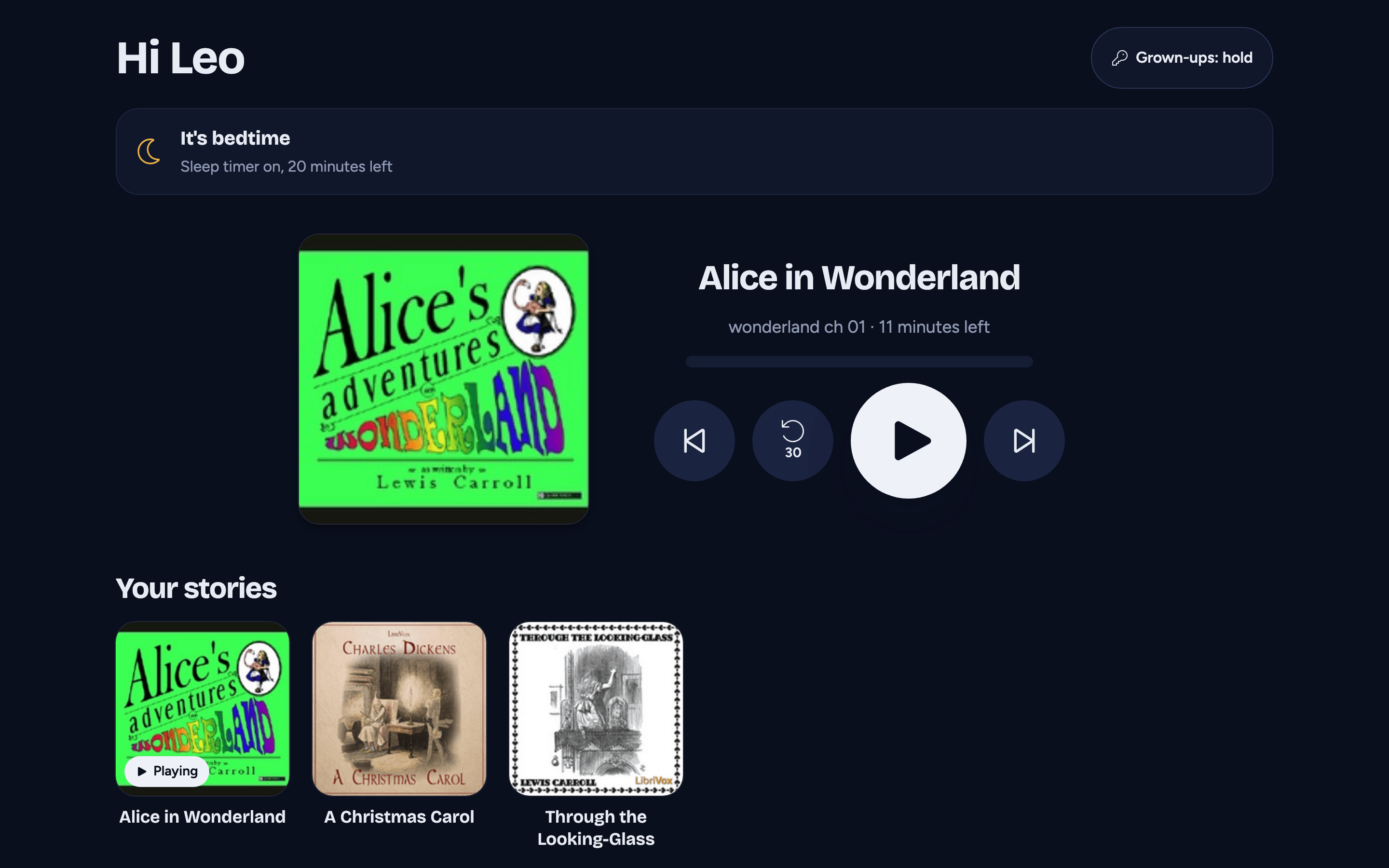
- "Hi Leo" at the top, with the Grown-ups button.
- The bedtime card: "Bedtime is at 7:30 PM", and what happens then. At bedtime it says "It's bedtime", and while the sleep timer runs, how many minutes it has left.
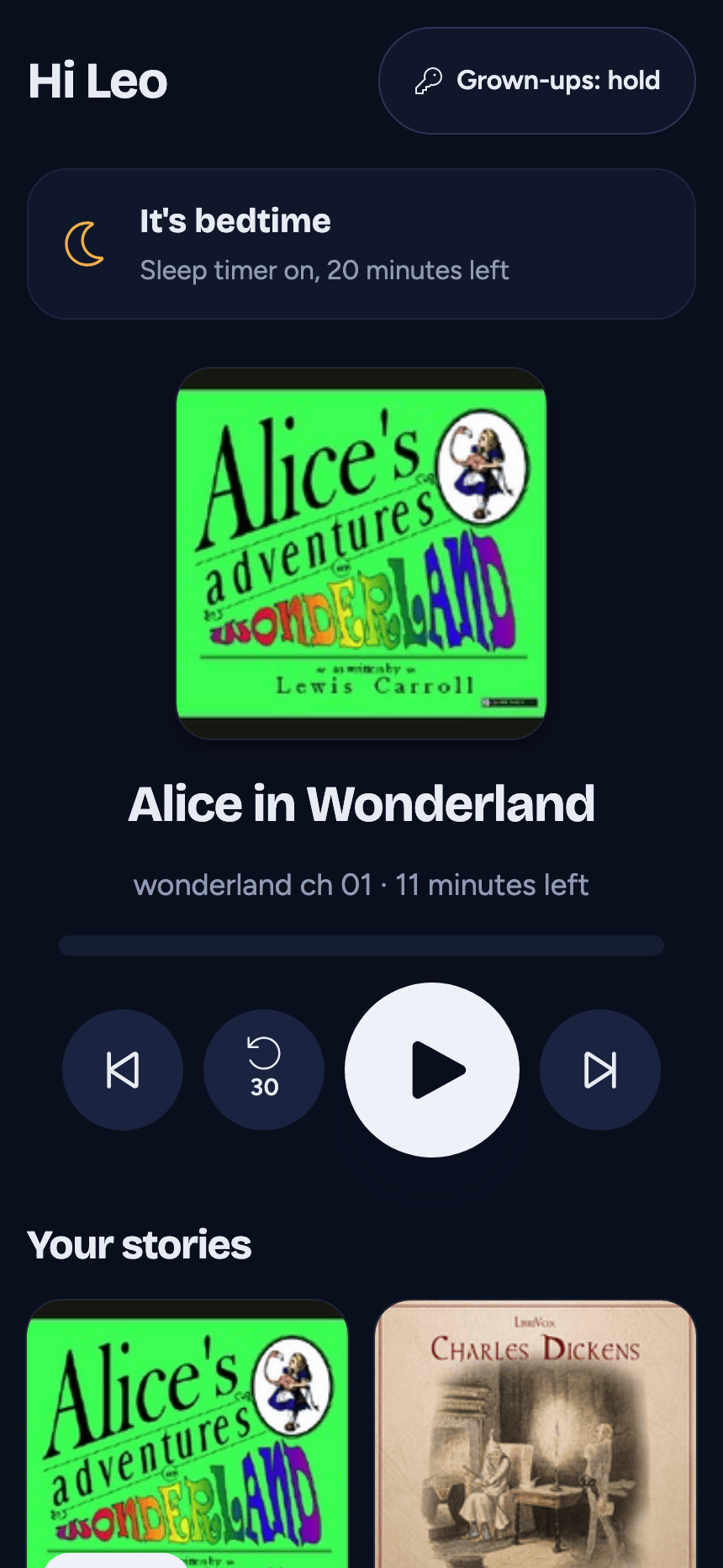
- The story playing now, in a big player: the cover, the title, the chapter and the minutes left in it, a line showing how far through the chapter they are, and four big buttons: previous chapter, go back 30 seconds, play/pause and next chapter. No speed, no sleep menu, no bookmarks.
- Your stories: the library as big cover tiles, the stories they're part-way through first, then every other book, finished ones too (children listen again). Tap one and it plays right there.
If the server can't be reached, kids mode shows the stories downloaded to this device for the child's account, so a downloaded story still plays in the car or on a plane. They come from the child's library when the app knows which one that is: the Library you picked, or the one it was showing before the server went away. If the app is opened while the server can't be reached and no Library was picked, every story downloaded for the child's account shows. With no downloads, it says the stories can't load and offers Try again.
If the child's account needs signing in again (for example after the server was reset), a banner on the kids screen says so. Signing in again there keeps the child's profile and kids mode.
Bedtime
From the bedtime you set until 6:00 AM the next morning, starting or resuming a story starts a 20-minute sleep timer: the story plays for 20 minutes, then the sound fades out slowly and it stops. It works the same way as the sleep timer, but the child doesn't have to set anything.
- It never starts in the car (CarPlay or Android Auto).
- While a kids profile is listening, its bedtime replaces the device's own automatic sleep timer setting; for everyone else on the device that setting is unchanged.
Leaving kids mode
Press and hold Grown-ups for 2 seconds. While it's held the button says Keep holding and a fill grows across it; let go early and nothing happens. (With reduced motion on there's no fill, and it still takes the full 2 seconds. A screen reader announces it as a hold to leave kids mode.)
Holding it opens Who's listening?: choose a grown-up (with their PIN, if they have one) to leave kids mode, or the child again to go back. While a child is listening and a grown-up is on the device, Add someone is turned off there ("Choose a grown-up before adding someone."), and so is signing in to a new server or the demo, so a child can't get out of kids mode by adding a new person. Choose a grown-up first. On Android, the back button never takes a child out of kids mode (at most it closes the app).
To stop using kids mode for good, turn Kids mode off for that person in Settings > Household and sharing.