The mobile apps
AudioSilo has native apps for iOS and Android. They're the same player you know from the web - same screens, same shelves, same account - plus the things only a real app can do well: rock-solid background playback, lock-screen controls, and downloads that live comfortably on your phone.
Availability
The apps are finished and in active use, but not yet generally available on the App Store or Google Play - the store releases are working their way through the stores' testing and review pipelines:
- iOS builds are currently distributed to testers through TestFlight.
- Android builds are going through Google Play's testing tracks, which require a testing period before an app can go public.
If you'd like early access, ask whoever runs your server whether a tester invite is available, or check the AudioSilo project on GitHub for current status. And you don't have to wait to listen on your phone: the web player works great on mobile and can be installed to your home screen today, downloads included.
This page describes availability at the time of writing; once the apps reach the public stores, installing them will be a normal store search away.
Connecting the app
Signing the app in is usually a scan, not typing - all the routes are covered in Connecting and signing in:
- Scan a QR code - tap Scan QR code on the app's connect screen and point it at the pairing QR on your server's connect page (or at the Settings → Devices QR on a device that's already signed in).
- Tap a link - an invite link, or an
audiosilo://link, opens the app and signs it in automatically. - Type it in - server address plus an invite code or username and password, if you prefer.
Background playback
Playback keeps going when you switch apps, turn the screen off, or pocket the phone. Interruptions are handled the way you'd hope: a phone call or a satnav prompt pauses the book, and it resumes afterwards only if it was actually playing before - a stray system chime won't restart a paused book.
Lock-screen controls
- Android gives you full audiobook controls on the lock screen and in the notification: previous chapter, a draggable chapter scrubber, next chapter, and 30-second skip back/forward buttons - no need to unlock the phone to hop around a book.
- iOS shows the book on the lock screen and in Control Centre with play/pause, a scrubber, and skip back/forward buttons that use the skip lengths from your in-app Settings.
Headphone and earbud buttons work everywhere. And in the sleep timer's last 30 seconds - or just after it has paused the book - a shake of the phone sets the timer again (bringing the volume back if it had started to fade) and resumes playback if it had stopped.
Gapless, chapter-aware listening
Many audiobooks arrive as dozens of MP3 files. The apps play multi-file books gaplessly - chapter boundaries pass without a hiccup - and treat the whole book as one continuous timeline, exactly like a single-file audiobook. Playback speed is pitch-corrected on both platforms, so 1.5× sounds faster, not higher.
The same app as the web player
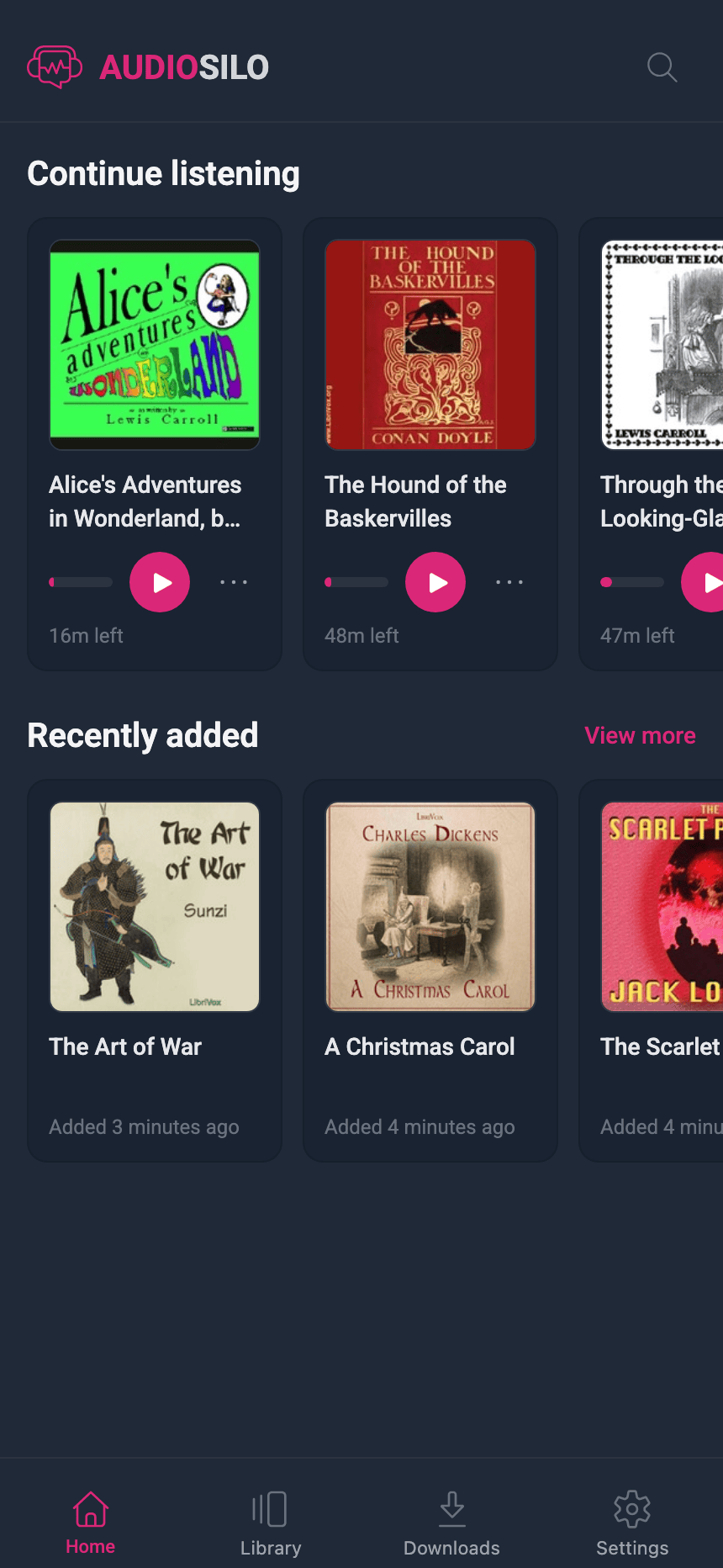
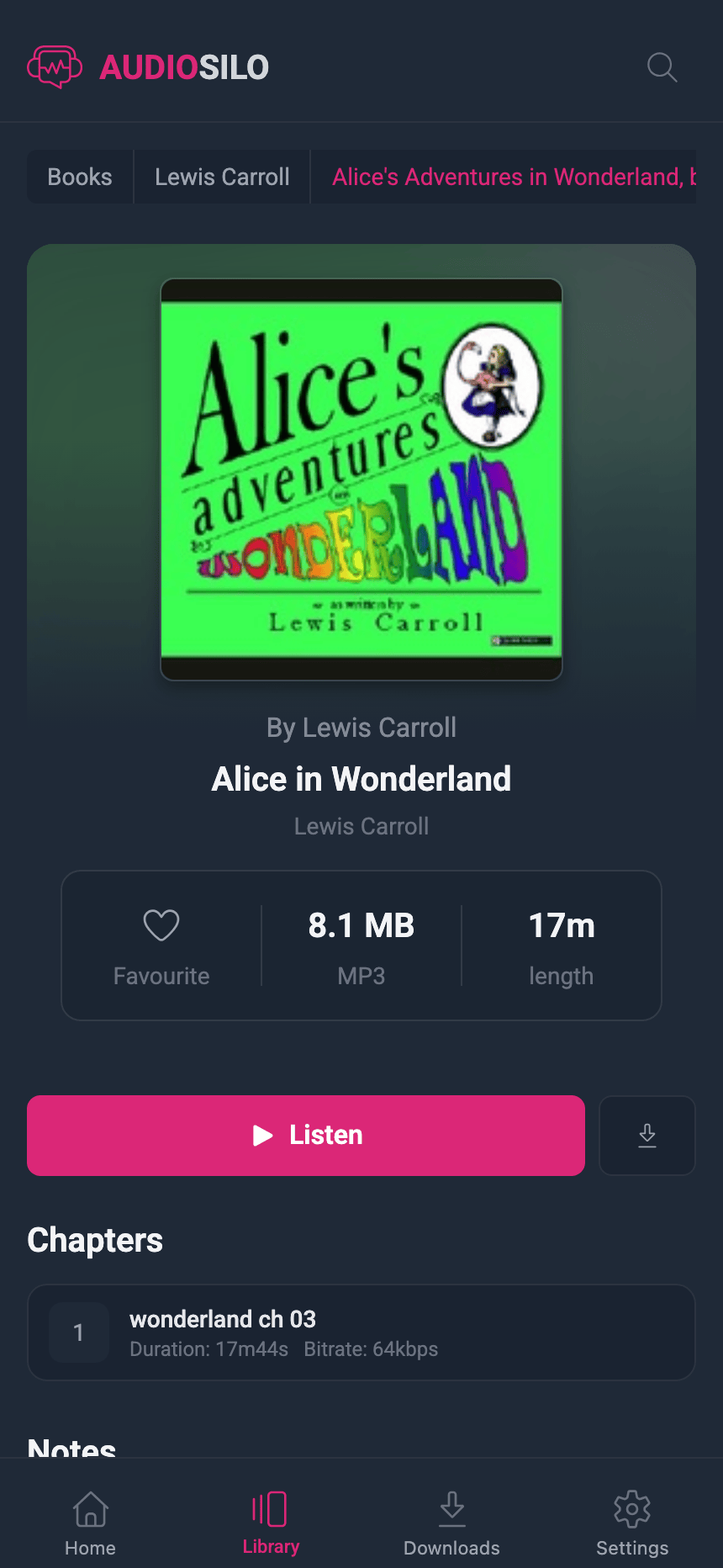
If you've used the web player, you already know the app - they are literally the same application, shipped to different places. Home shelves, library browsing, search, favourites, bookmarks, notes, downloads, and settings all look and work the same, just arranged for a phone with a navigation bar along the bottom:
And because your position, favourites, and bookmarks live on the server, moving between phone, tablet, and desktop is seamless - pause on one, resume on another. See Playing a book.